
Released Plugin / Tool 0 views
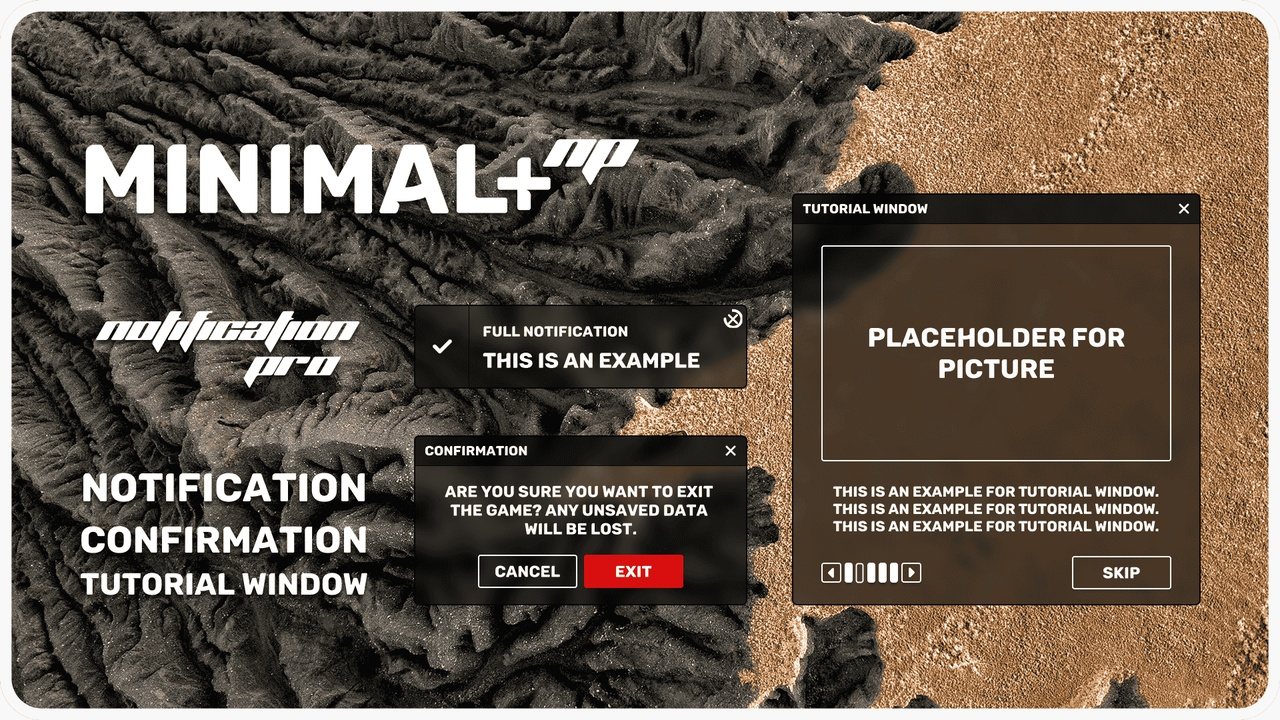
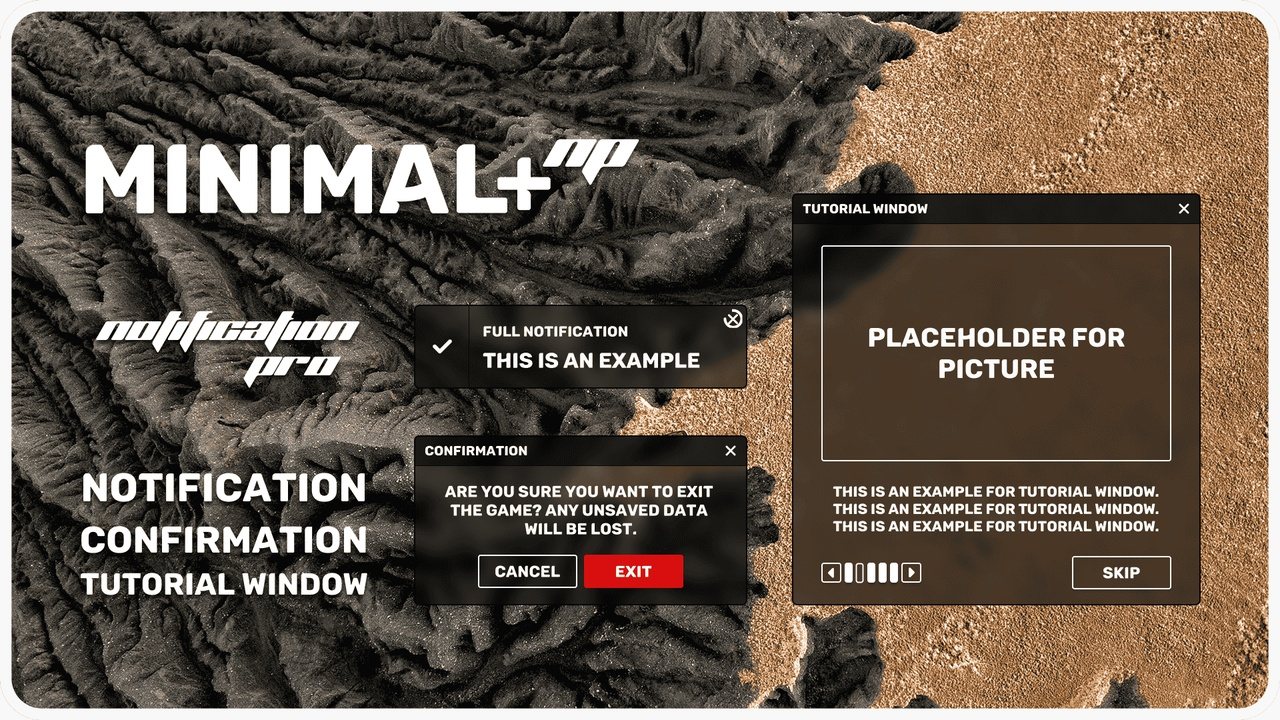
Notification System Pro: Minimal+
Stackable notifications, confirmation dialogs and tutorial windows for UMG, in the Minimal+ style.
- Engine
- UE 5.0, 5.1, 5.2, 5.3, 5.4, 5.5, 5.6, 5.7, 5.8
- Platforms
- Windows, Mac, Linux
- Updated
- Oct 8, 2026
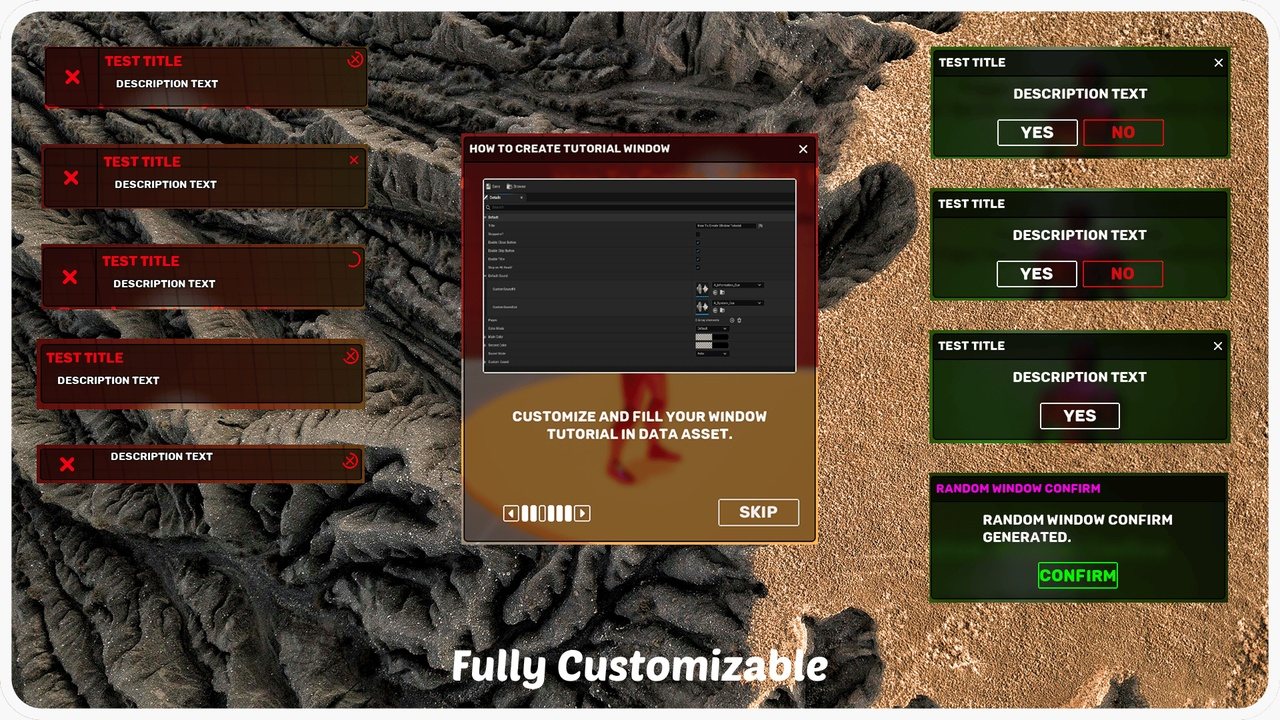
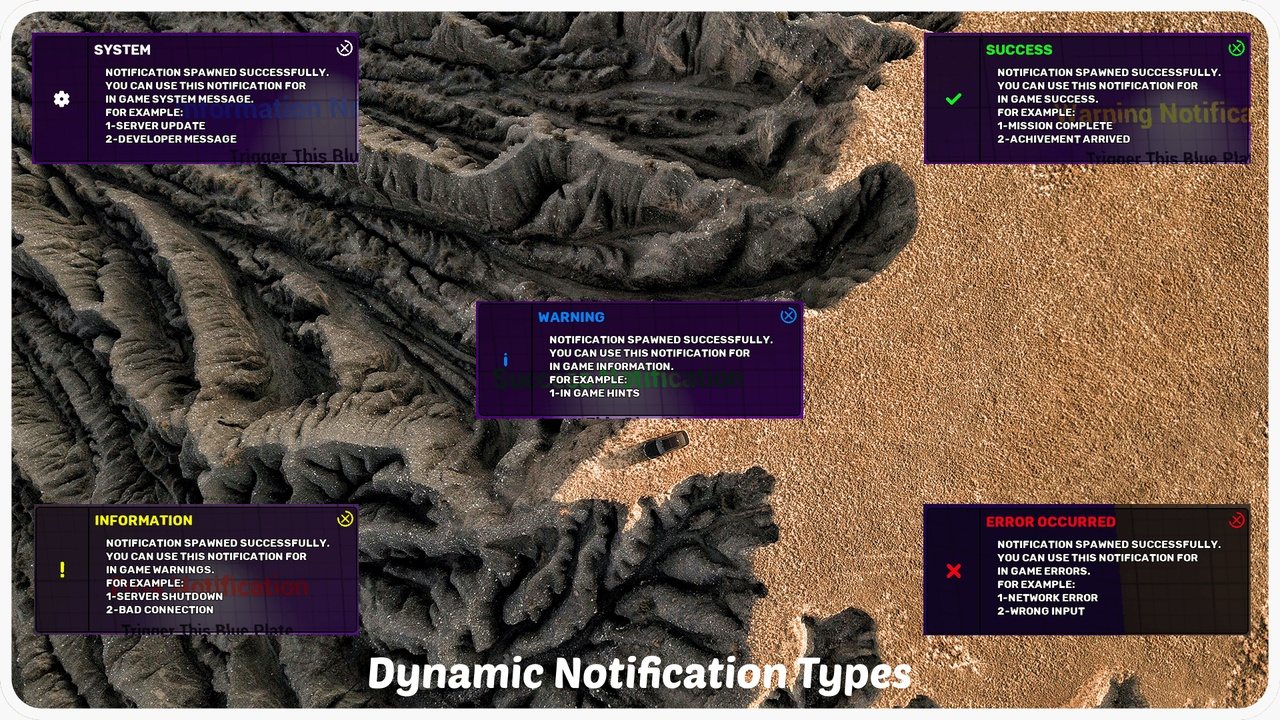
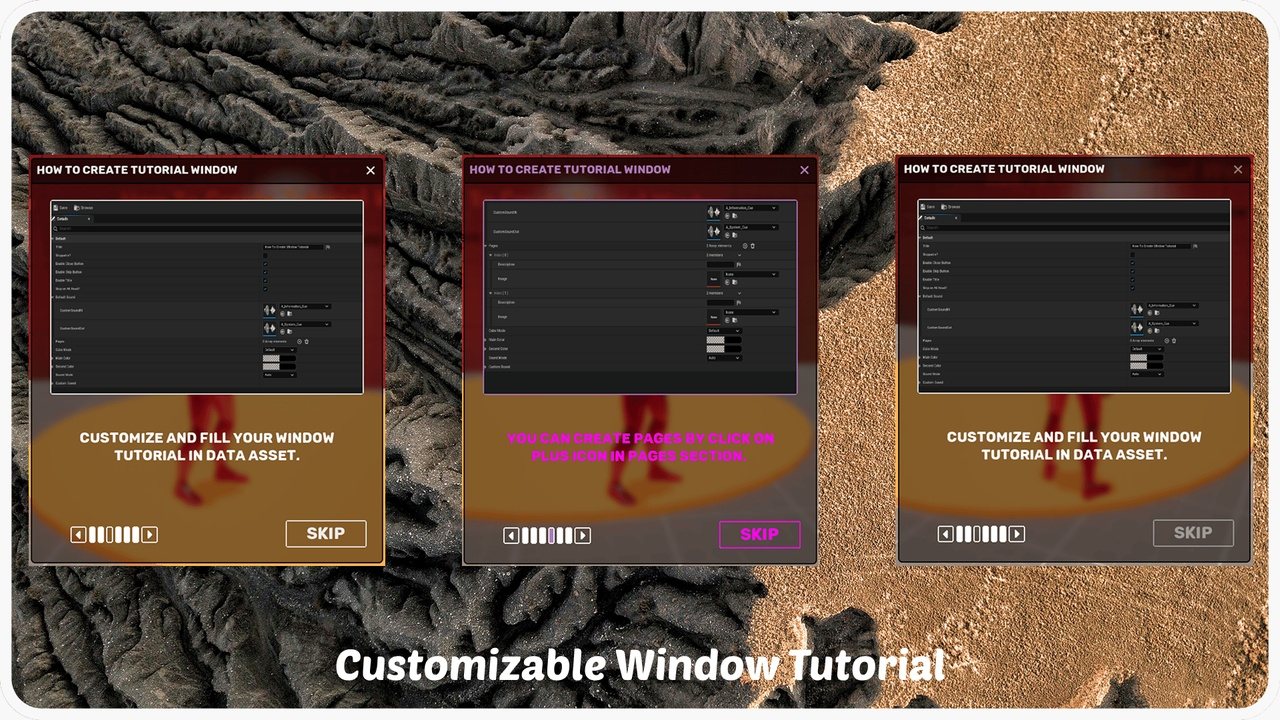
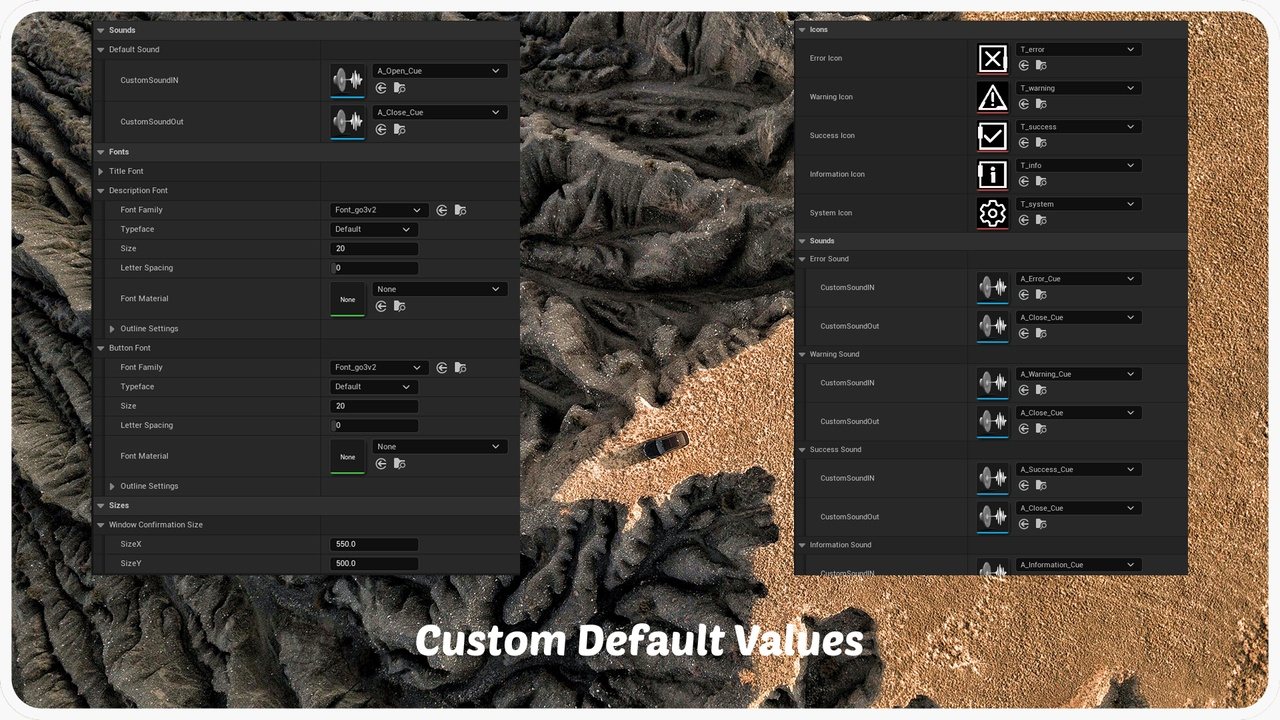
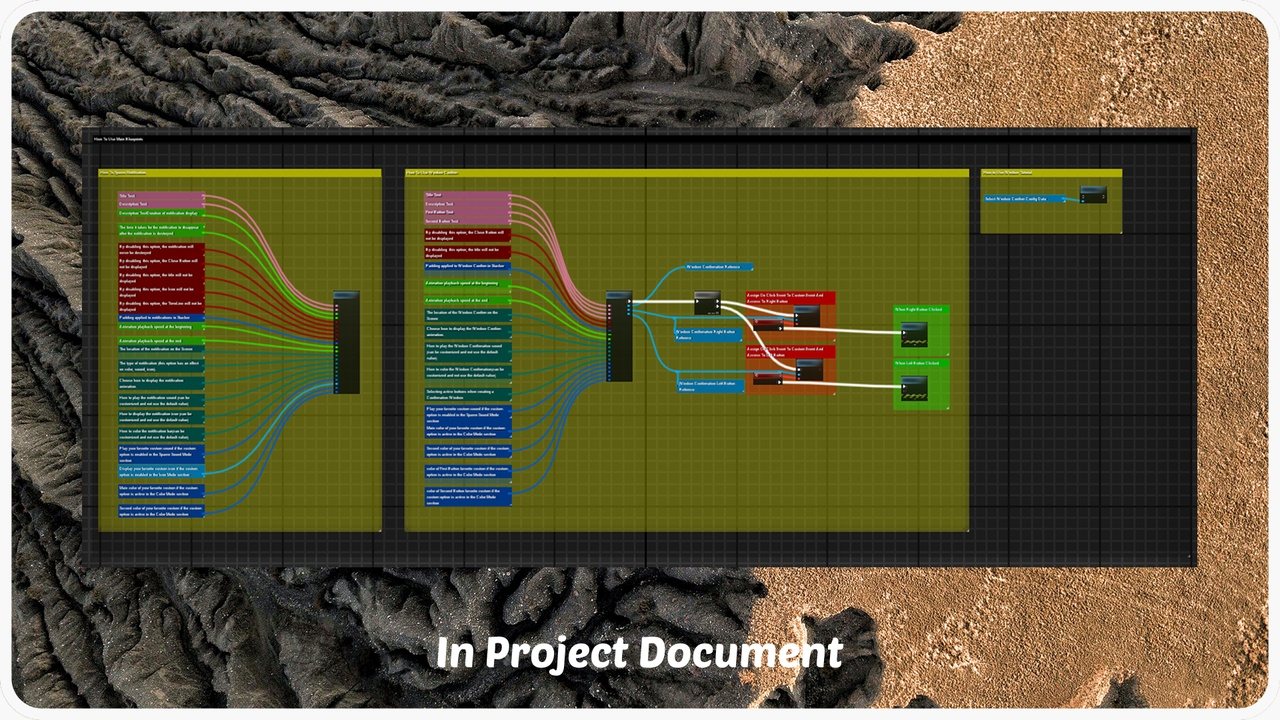
Overview
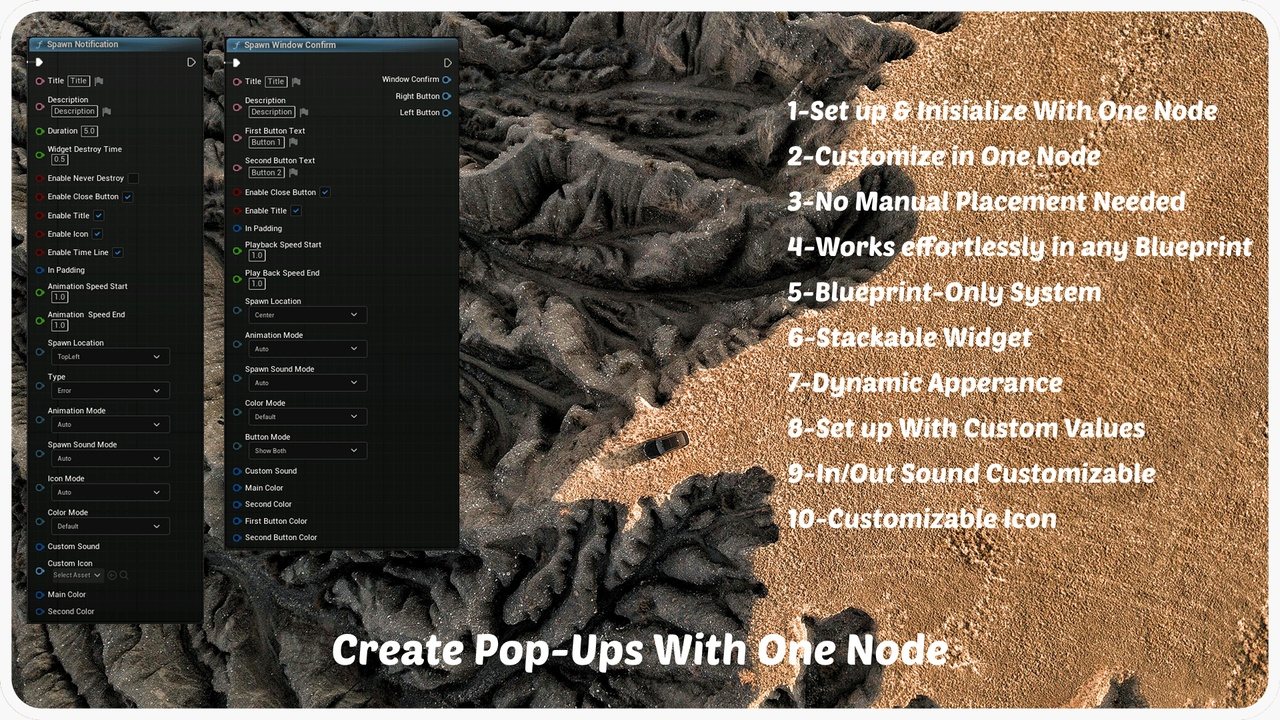
NotificationPro is a highly customizable notification, confirmation and tutorial system for Unreal Engine. This is the Minimal+ style. It gives AAA and indie projects a polished, automated way to show in-game messages and pop-ups.
Advanced notifications
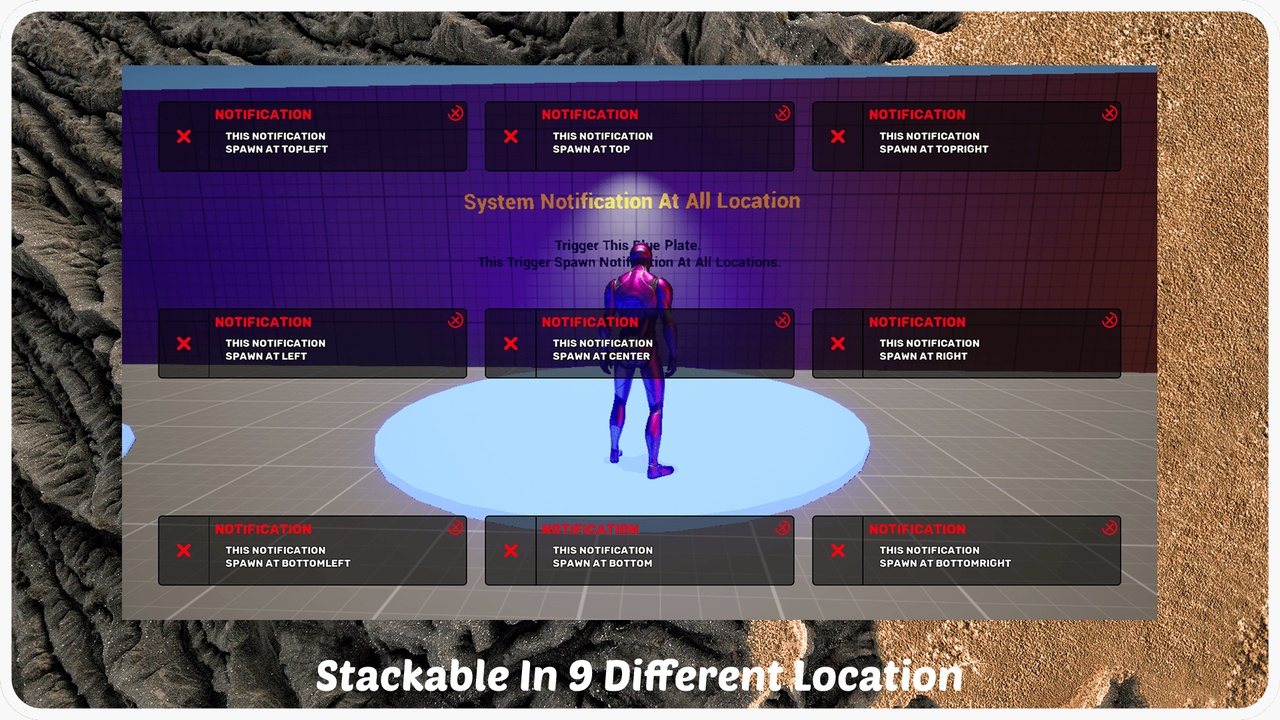
- Stackable with 9 predefined screen positions.
- Fully customizable: titles, descriptions, animations, colors, icons, sounds and more.
- 5 types: Error, Warning, Success, Information and System, each with its own visuals and sounds.
- Custom animation and timing: spawn speed, lifetime and unique effects.
- Auto or manual dismissal.
Interactive confirmation windows
- Custom title, description and button labels.
- One or two buttons with fully customizable logic.
- Predefined or custom animations and sound effects.
Tutorial windows
- Data-driven tutorials built from data assets.
- Pages with images, descriptions and interactive elements.
- Read All mode so players can't skip to the end.
Easy to use
- No manual placement:
BP_StackerSpawner_ACmanages all UI elements. - Drag-and-drop integration in any Blueprint project.
- Blueprint only, no C++ required.
Specs
| Item | Count |
|---|---|
| Blueprints | 30+ |
| Materials | 15+ |
| Textures | 70+ |
| Widgets | 10+ |
| Network replicated | Yes (widgets are client side) |
Great for RPG, FPS, strategy, simulation and horror games, and any HUD that needs clean in-game messages.
Note
Uses the Cunia font under its own license terms (included in the download).
Features
- 01
Stackable notifications
Smart stacking with 9 predefined screen positions
- 02
5 notification types
Error, Warning, Success, Information and System, each with its own look and sound
- 03
Full customization
Titles, descriptions, animations, colors, icons and sounds
- 04
Confirmation dialogs
One or two buttons with your own labels and logic
- 05
Tutorial windows
Data-driven pages with images and an optional Read All mode
- 06
Zero placement
BP_StackerSpawner_AC manages every UI element for you
- 07
Blueprint only
Drag-and-drop integration, no C++ needed
Videos
More like this
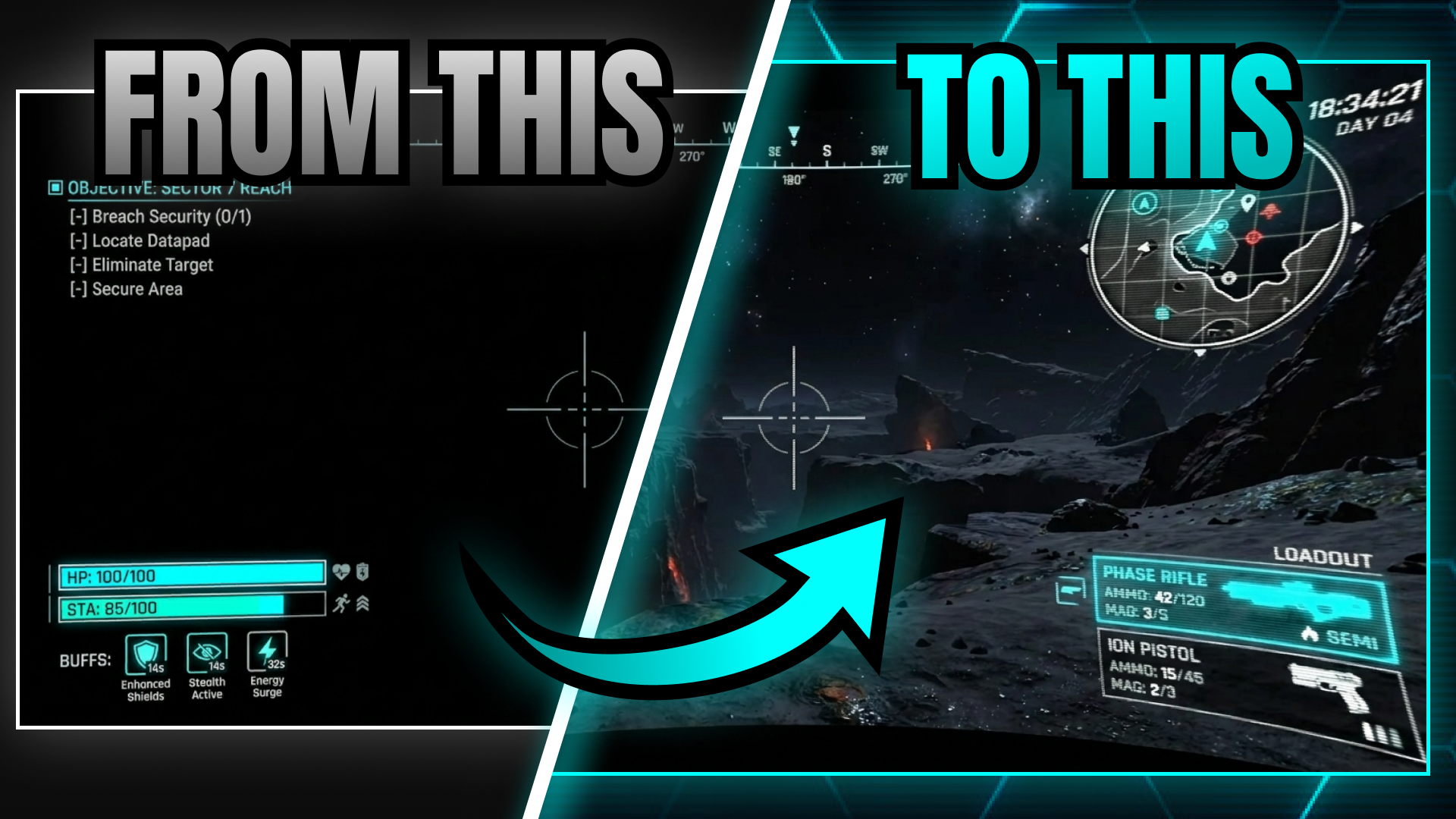
CRT Effects For Widgets
CRT Effects For Widgets
$9.99 on Fab
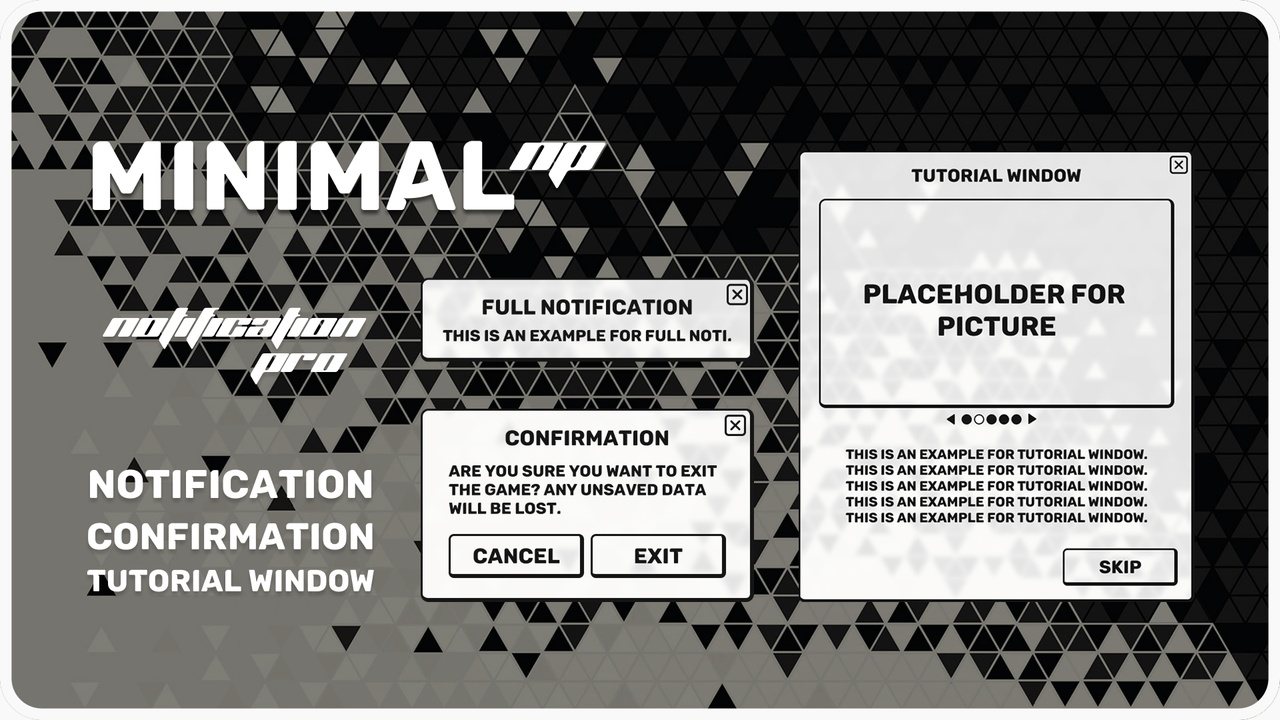
Notification System Pro: Minimal
Stackable notifications, confirmation dialogs and tutorial windows for UMG, in the Minimal style.
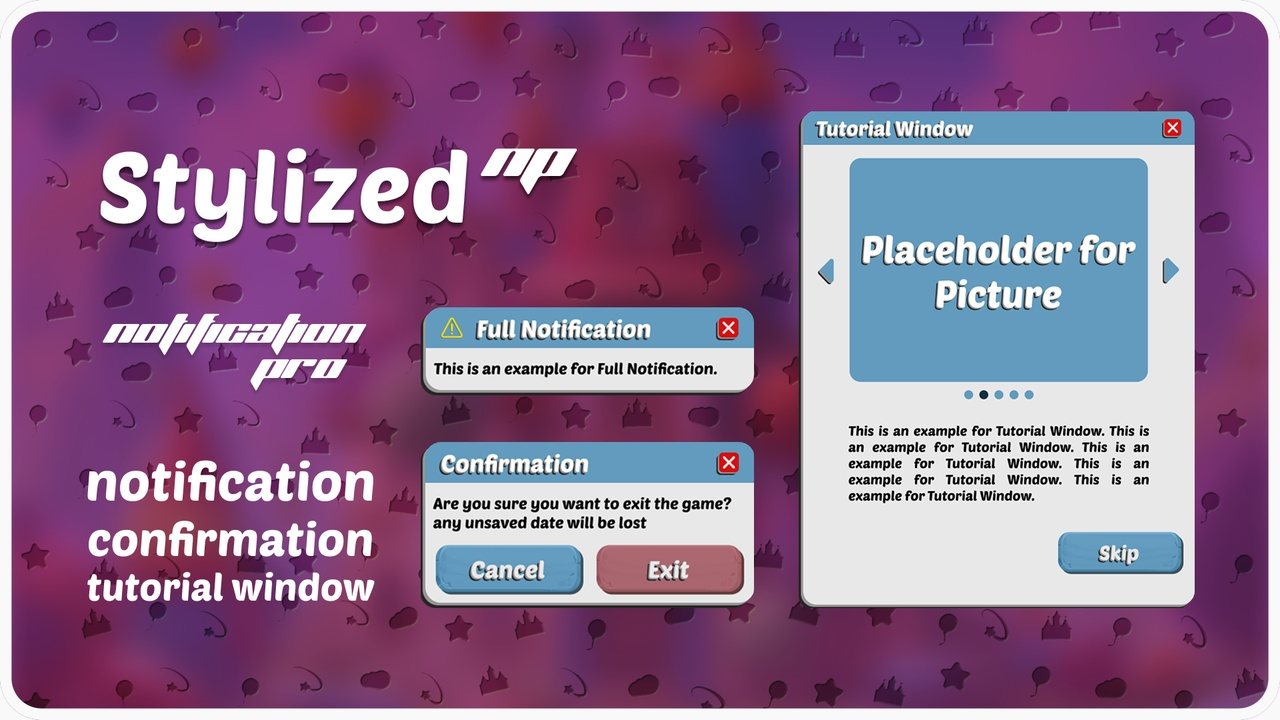
Notification System Pro: Stylized
Stackable notifications, confirmation dialogs and tutorial windows for UMG, in the Stylized style.